

How To Use The Pull Tab Applicator
💡Understand the applicator before cleaning your screen.
1. Check Before You Start
Place your phone into the cutout of the applicator to familiarize yourself with how everything fits together.
Identify the alignment holes on the guiding film and the matching pins on the applicator.
Then check the orientation of the screen protector. When correctly positioned, the pull tab should be underneath the screen protector.
The alignment holes are designed to prevent incorrect installation. If the guiding film does not fit easily onto the applicator, do not force it. Double-check the direction of the screen protector.
----------------------------
2. Clean Your Screen
Clean your phone screen thoroughly with the lens wipe.
Then use the large dust-removal sticker to remove any remaining dust or particles.

3. Assemble the Applicator
Slide the orange bar all the way to the top, place the screen protector into the applicator in the orientation you confirmed in Step 1.

4. Install the Protector
Once everything is correctly aligned, pull out the pull tab completely, this will remove all the dust specs on the screen.
Then slowly slide the orange bar from the top to the bottom. You will feel some resistance as the bar moves. This is normal. Continue sliding until the bar reaches the bottom, then slide the orange bar back to the top.

5. Remove the Guiding Film
Carefully remove the guiding film.
Your screen protector should now be installed.
If you notice small bubbles near the edges, gently smooth them out with your finger.
How to install a sapphire screen protector
This method minimizes the risk of mistakes, you will be able to fix most of the issues without stress.
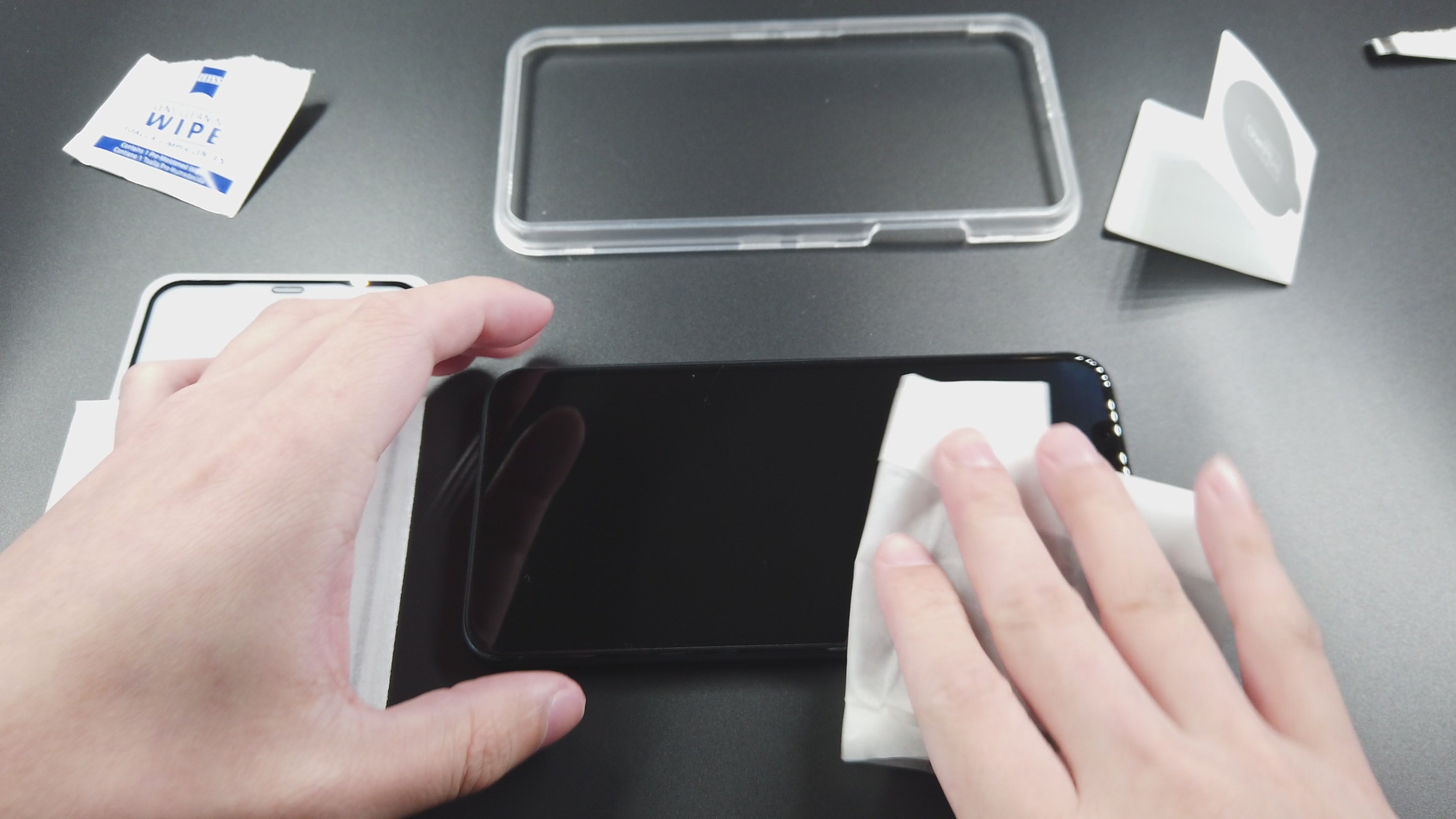
Wipe
Clean the screen and tools thoroughly to eliminate any lint.
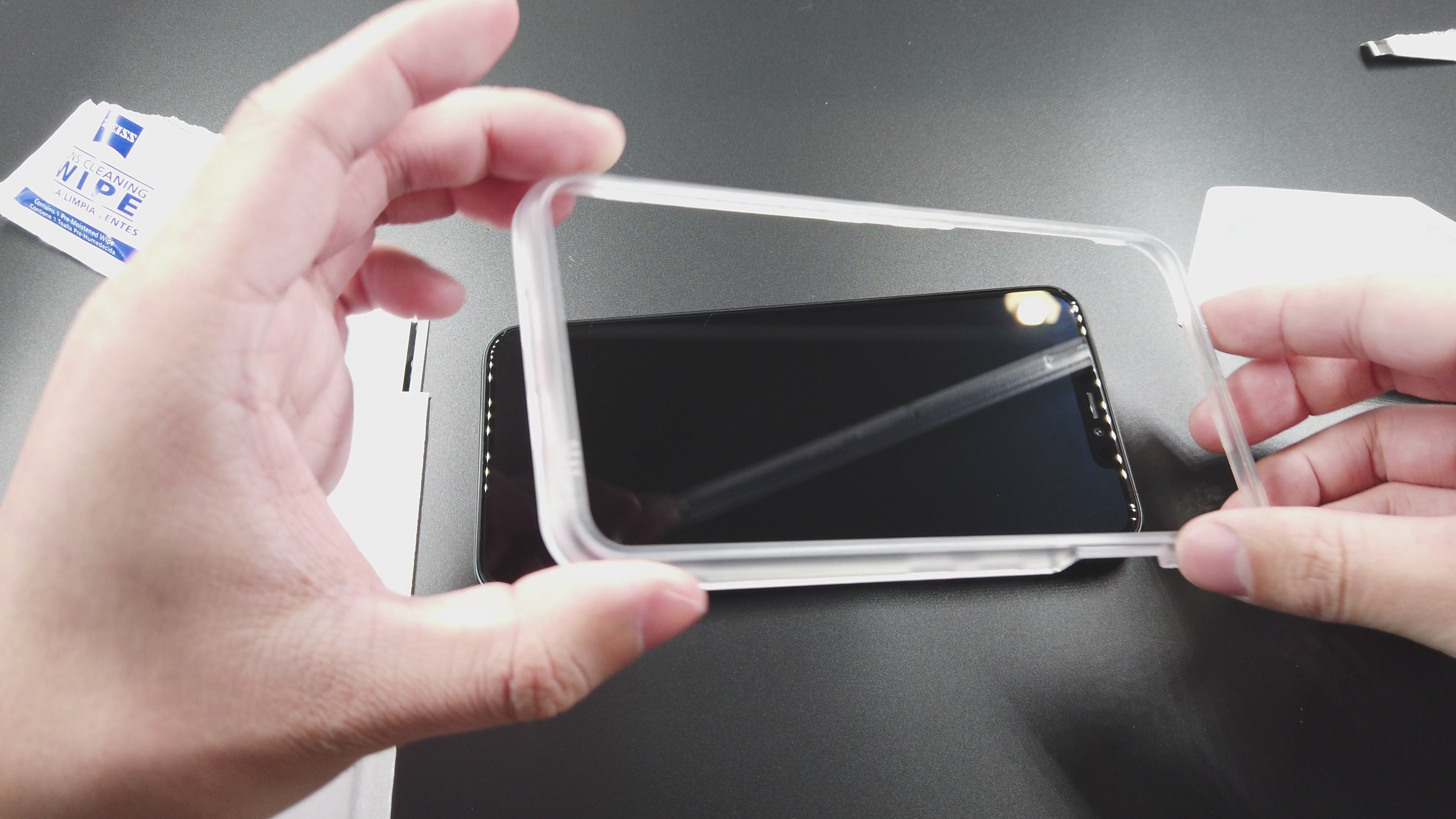
Clean
Attach the guiding frame and clear away any dust particles on the screen utilizing the sticker. Remember to cross-check from a different angle.
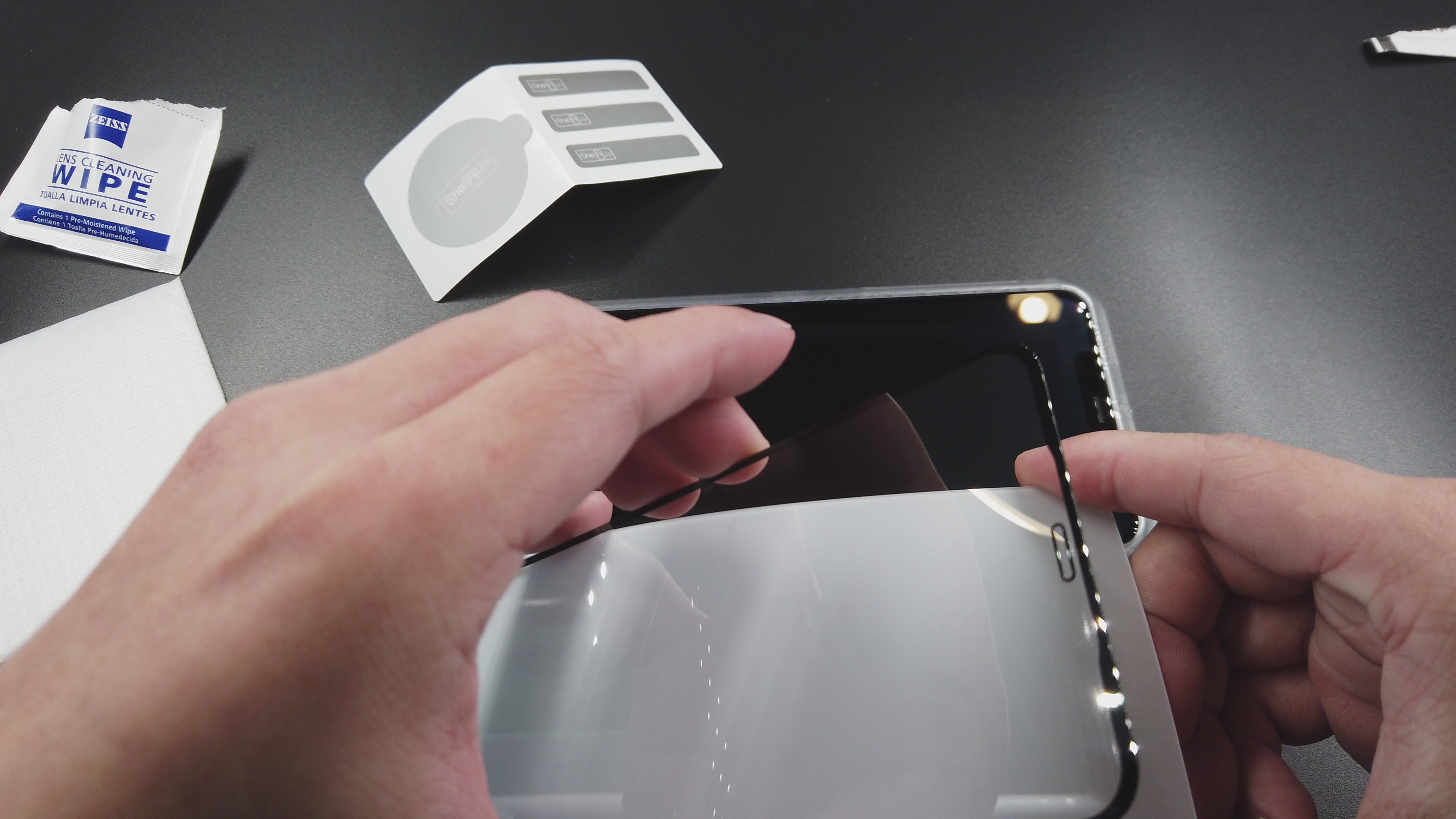
Peel
Remove screen protector by peeling it off and applying a sticker at the base; the sticker serves as a pull tab if you need to lift the protector and clear dust specks and air pockets.
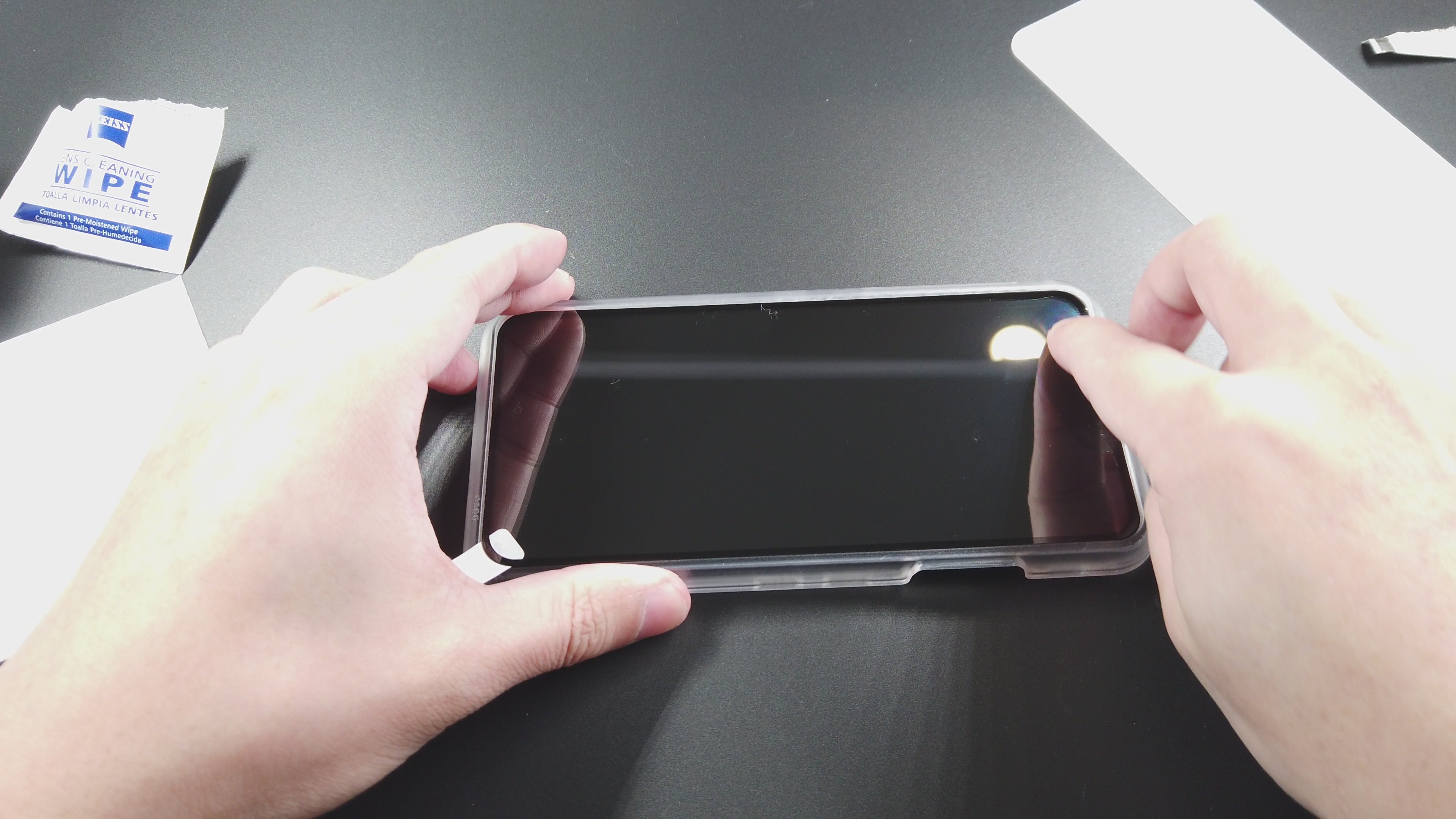
Adhere
Apply pressure and let the screen protector adhere to the display. Pull it up with the sticker if there's any air pockets.
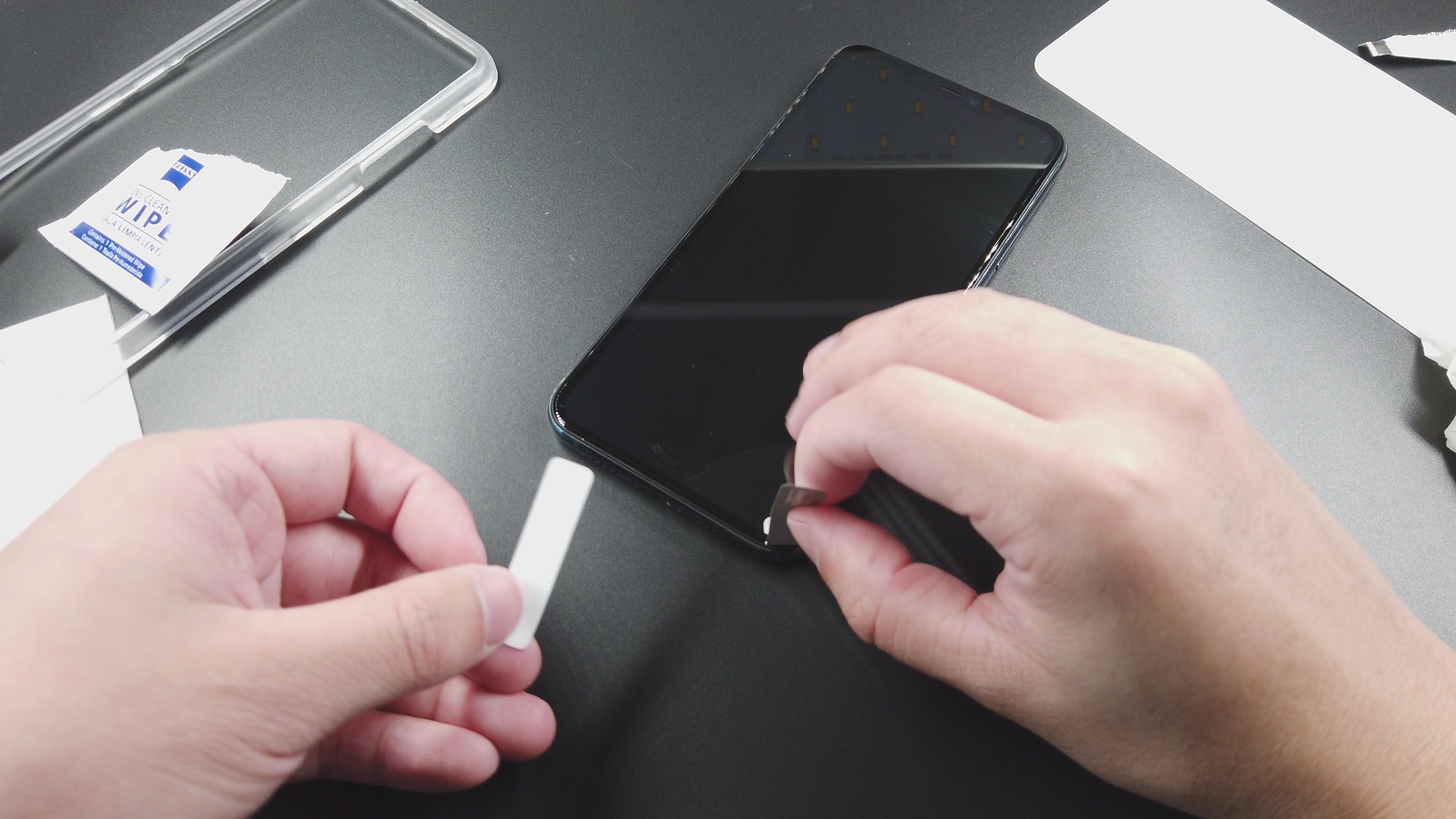
Remove dust specks
Lift the screen protector using the pull tab, then apply a fresh sticker to remove any dust particles.
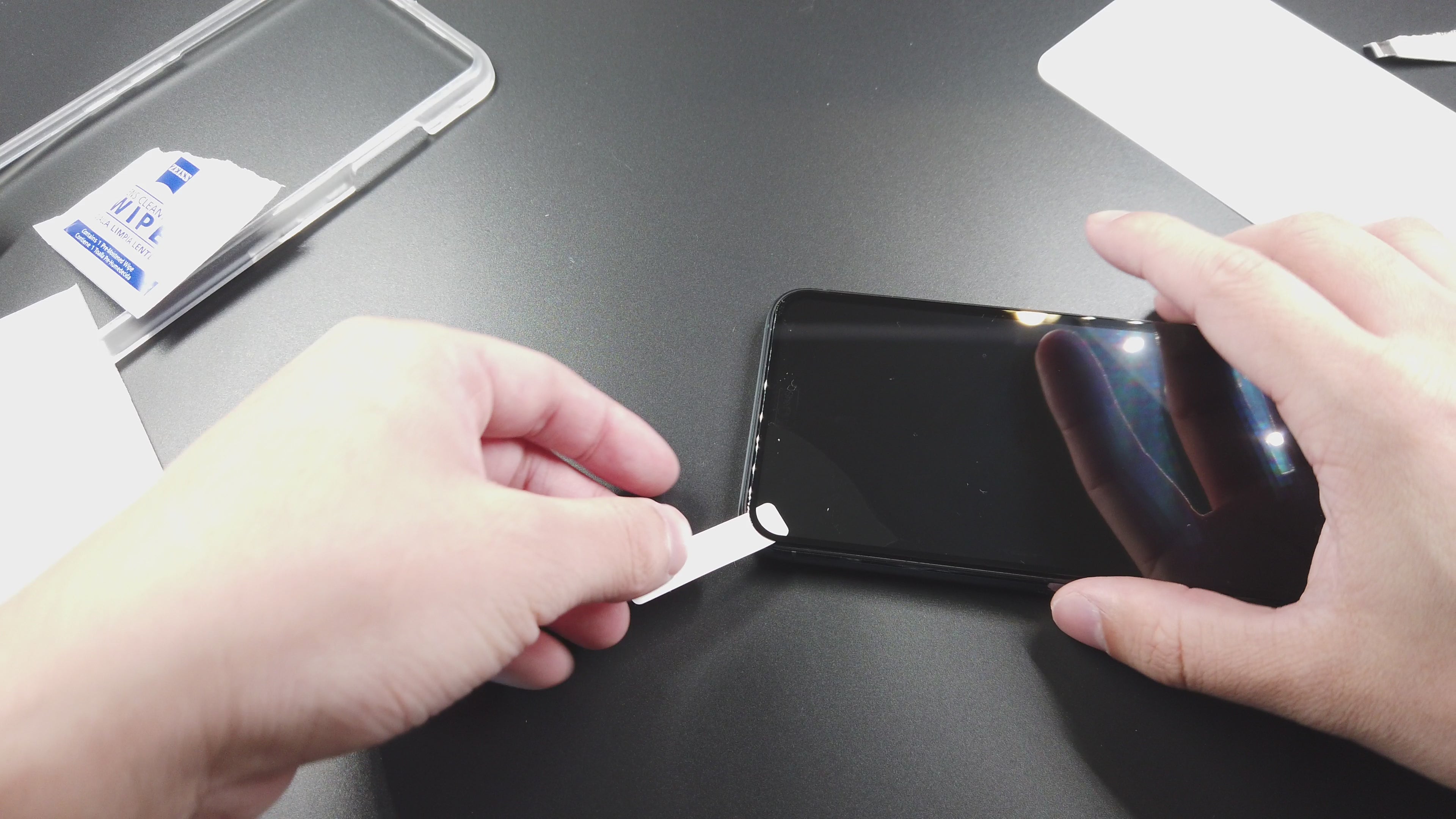
Final Touch
Ensure all is in order, remove the sticker and apply force over that area to let the protector adhere. If any slight air pockets appear near the edge, lift the protector slightly and apply force to release the air.
The Quick Method
This method is quick, but it can be tricky if any dust particles get beneath the screen protector accidentally.
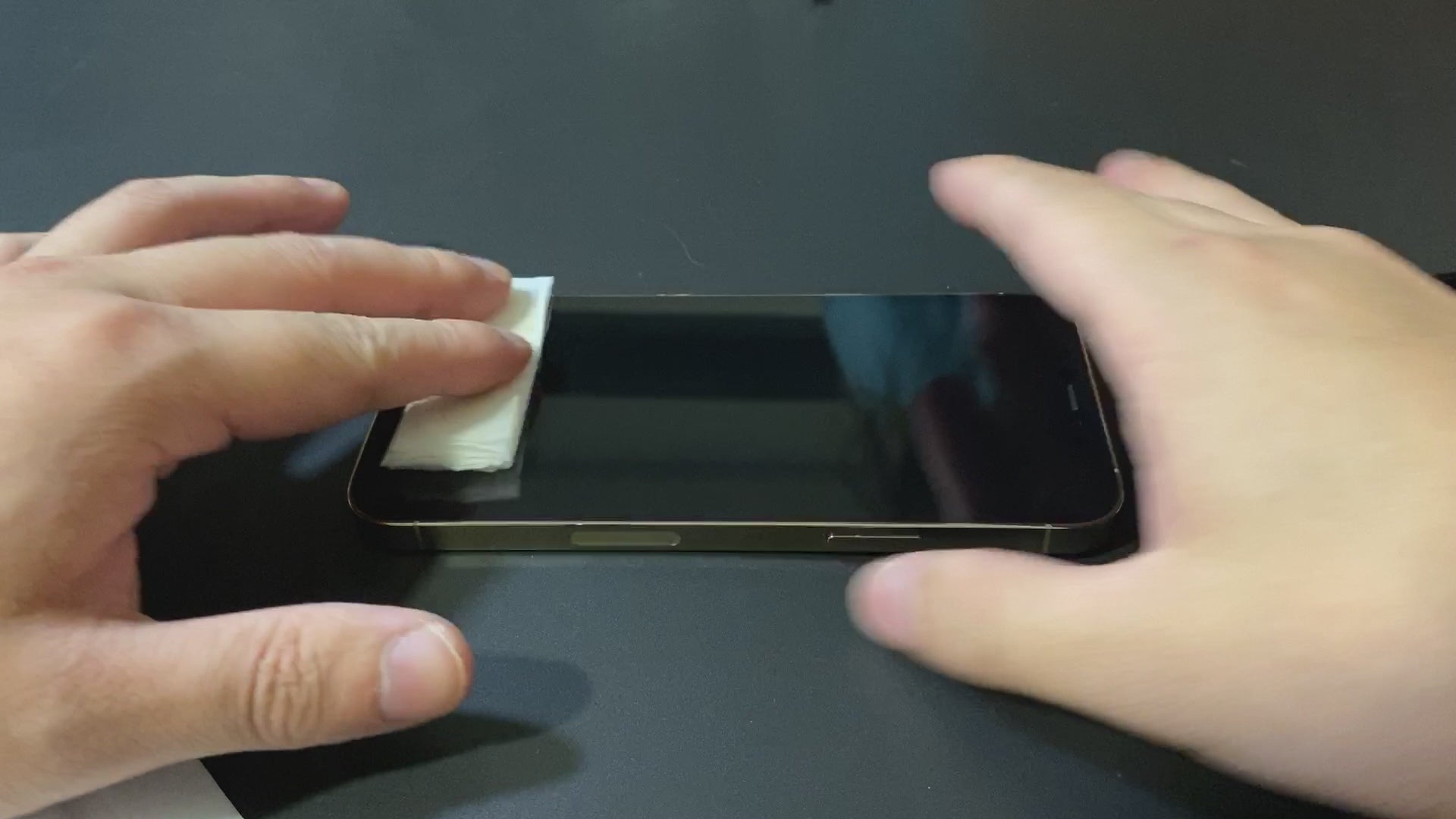
Clean
Wipe the screen thoroughly
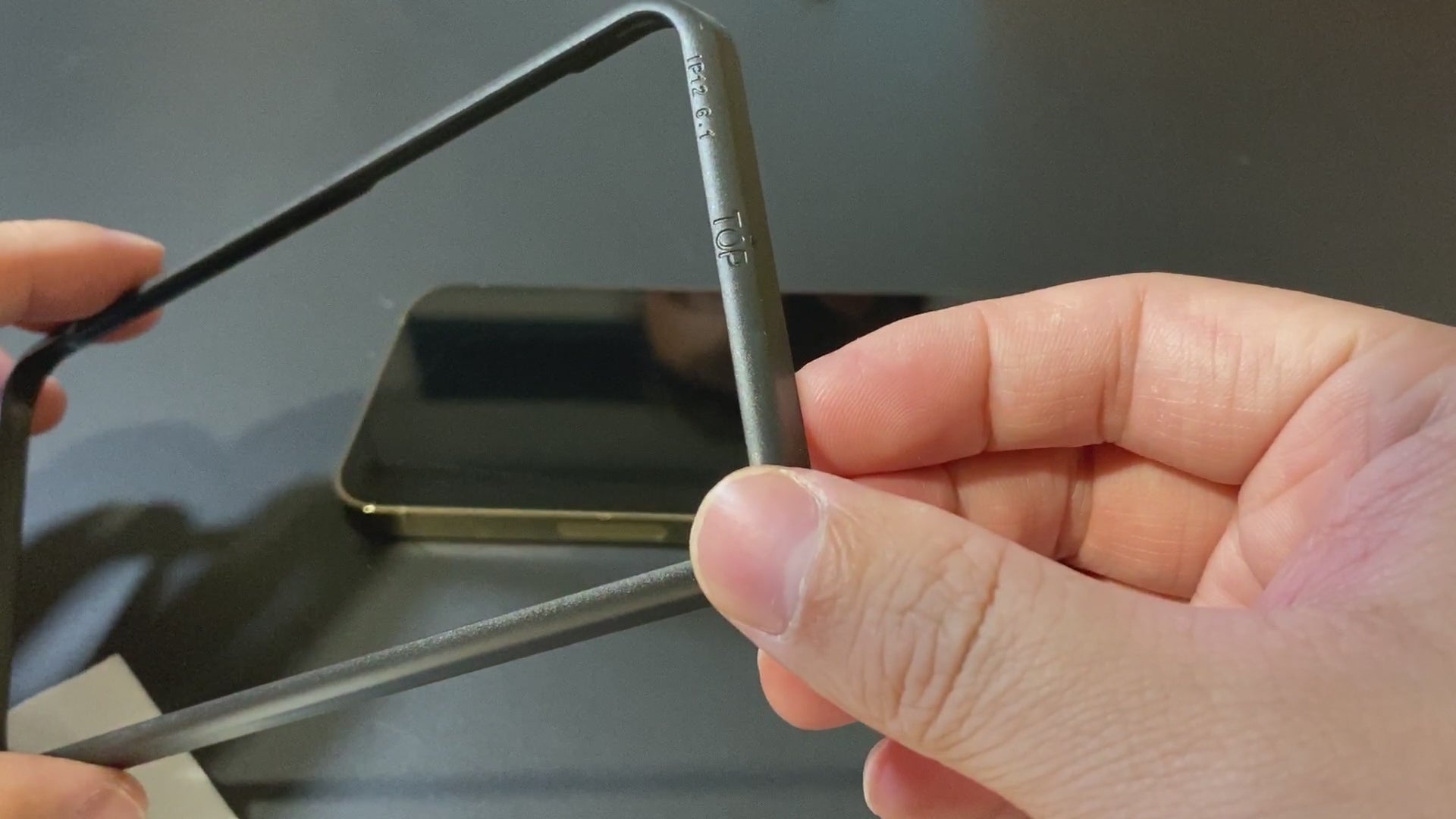
Remove Dust Particles
Attach the guiding frame and remove any dust particles with the sticker. Confirm the screen is free from dust.
Peel and align
Peel off the screen protector and align it to the frame.
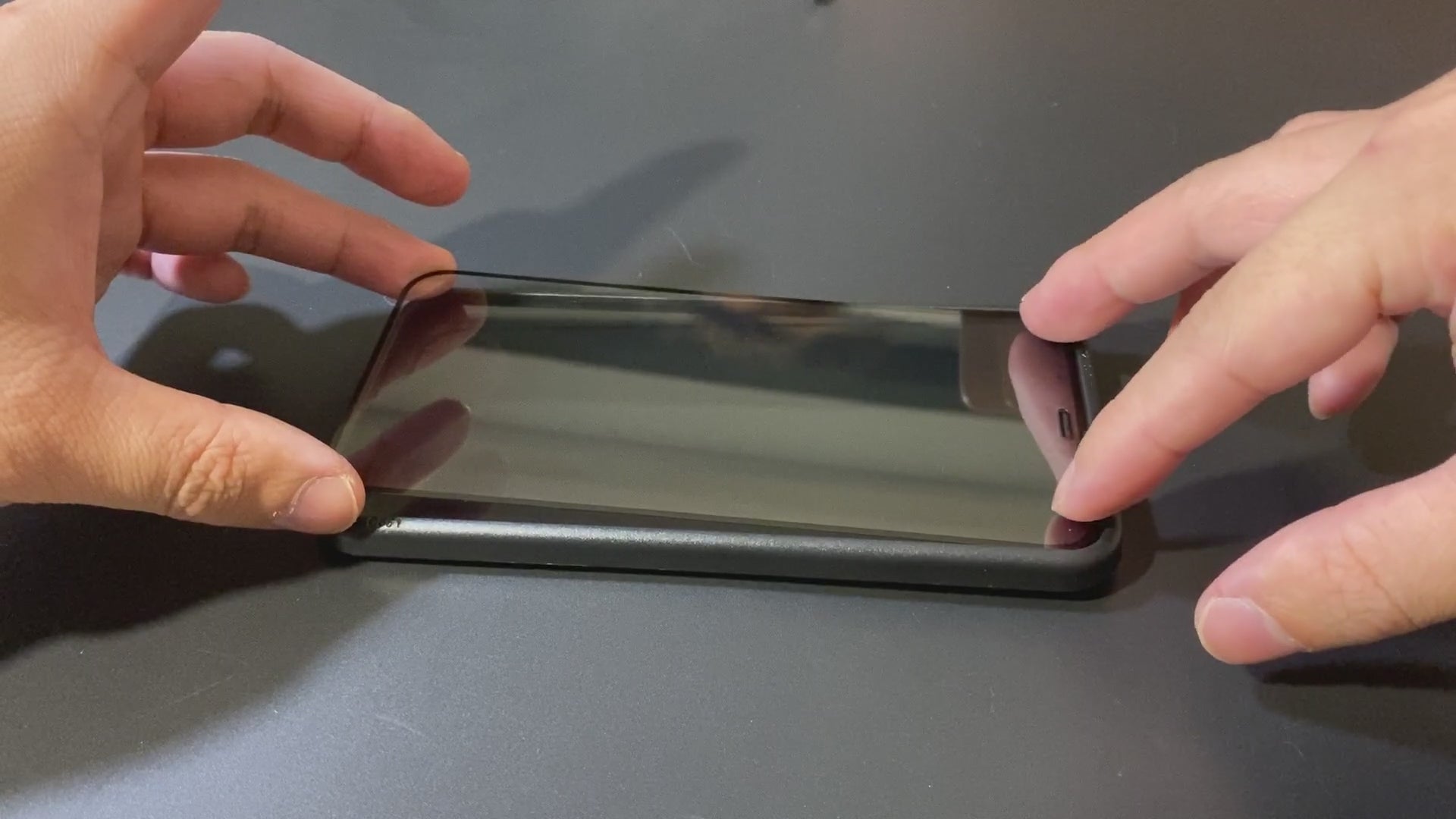
Adhere
Use both of your fingers to slowly apply pressure from one side to the other. This will make sure that there is no air pockets trapped inside.